seo · Technical SEO

Technical SEO, ranked by what it costs you

Trilar crawls every URL like Google, renders JavaScript, connects Search Console and Analytics, and turns thousands of findings into a short list of fixes, most expensive first.

Full crawl with JavaScript rendering

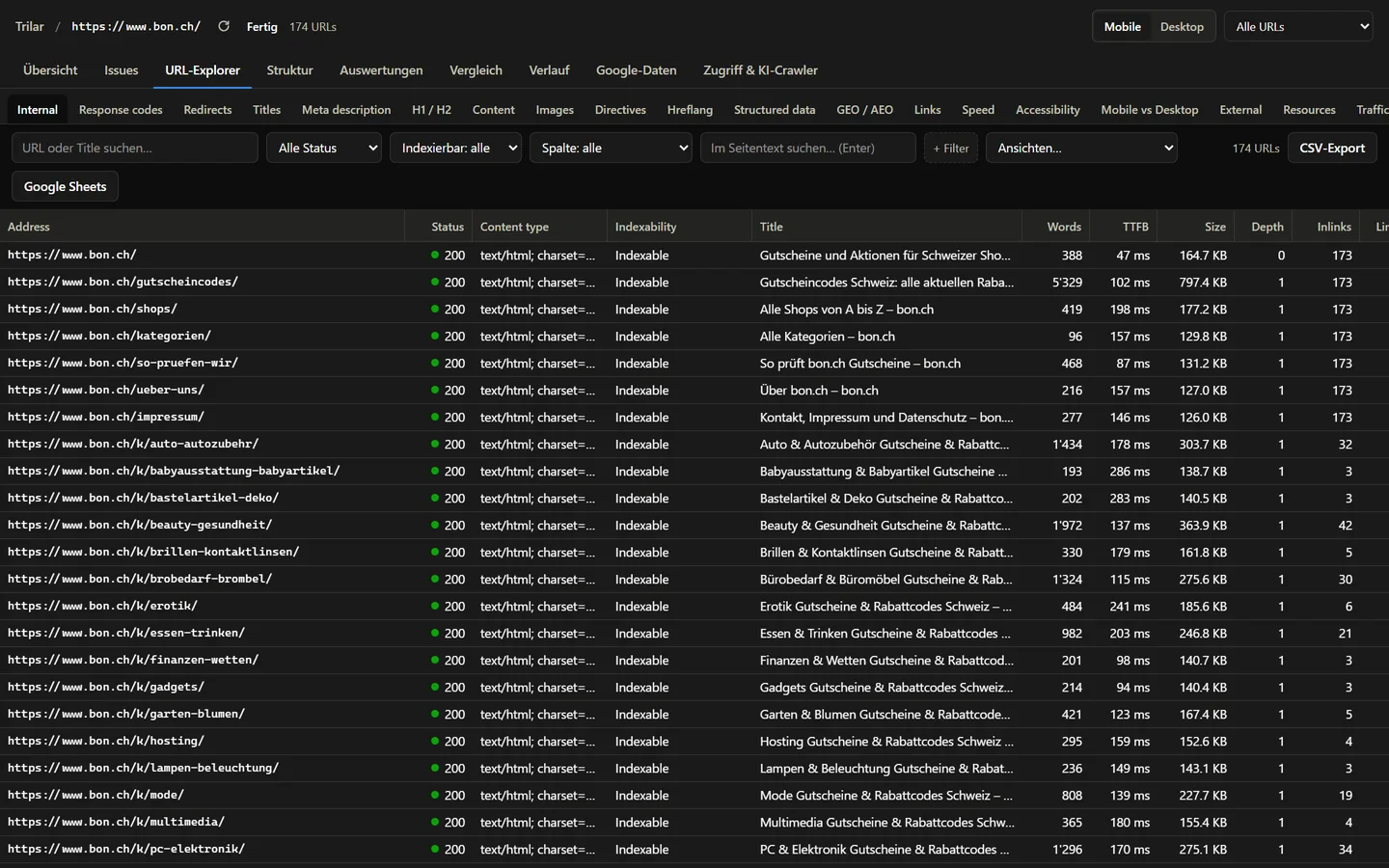
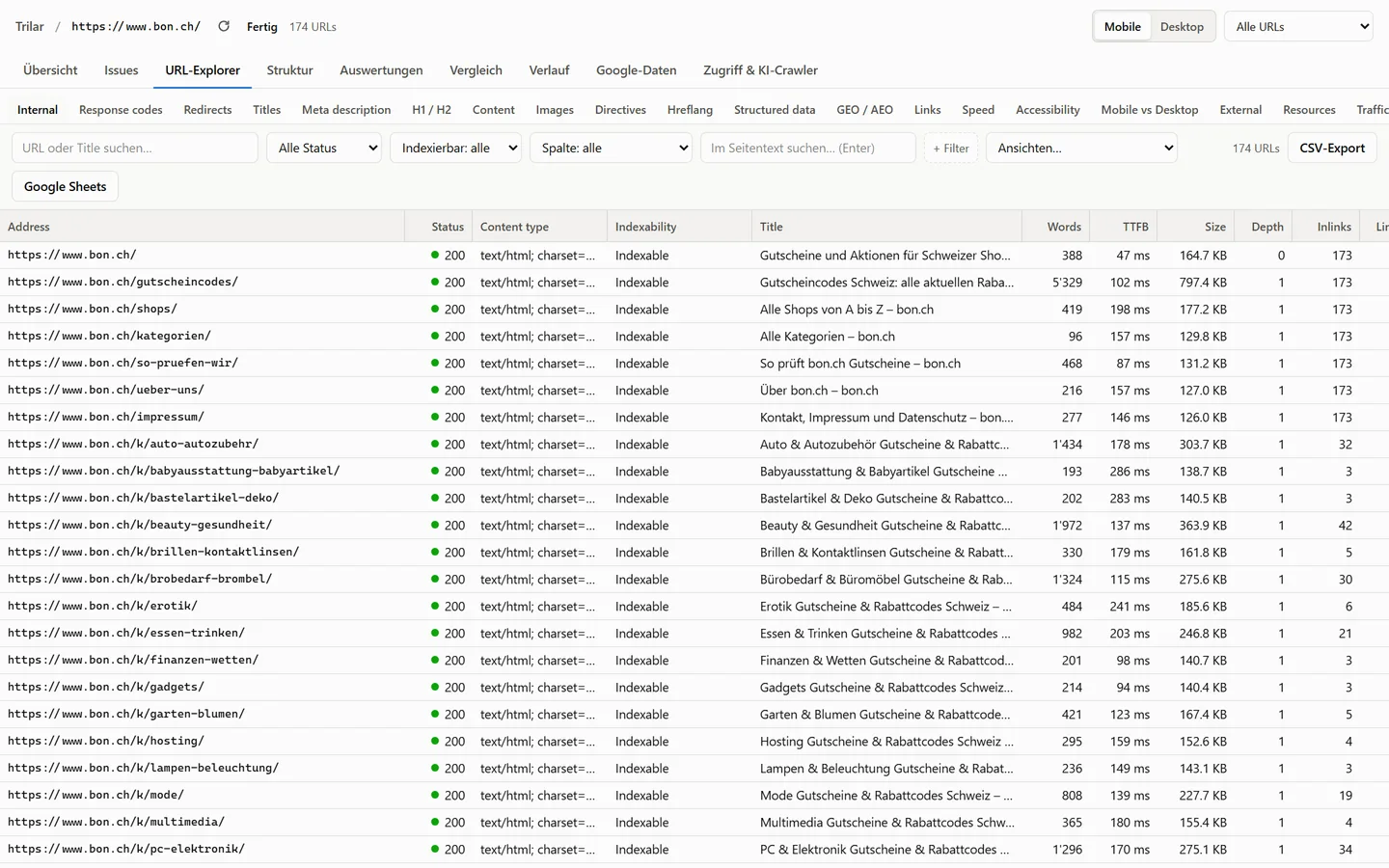
Status codes, redirect chains, canonicals, indexability, hreflang, structured data, images, headings, internal links and page speed. Chromium renders pages and shows what only exists after JavaScript.

  • Mobile and desktop user agents
  • Login, cookies and custom headers
  • URL lists and sitemaps
  • robots.txt tester
URL explorer in Trilar with filters, status codes and indexability per URL URL explorer in Trilar with filters, status codes and indexability per URL
Sample data

Problems fixed once, in the template

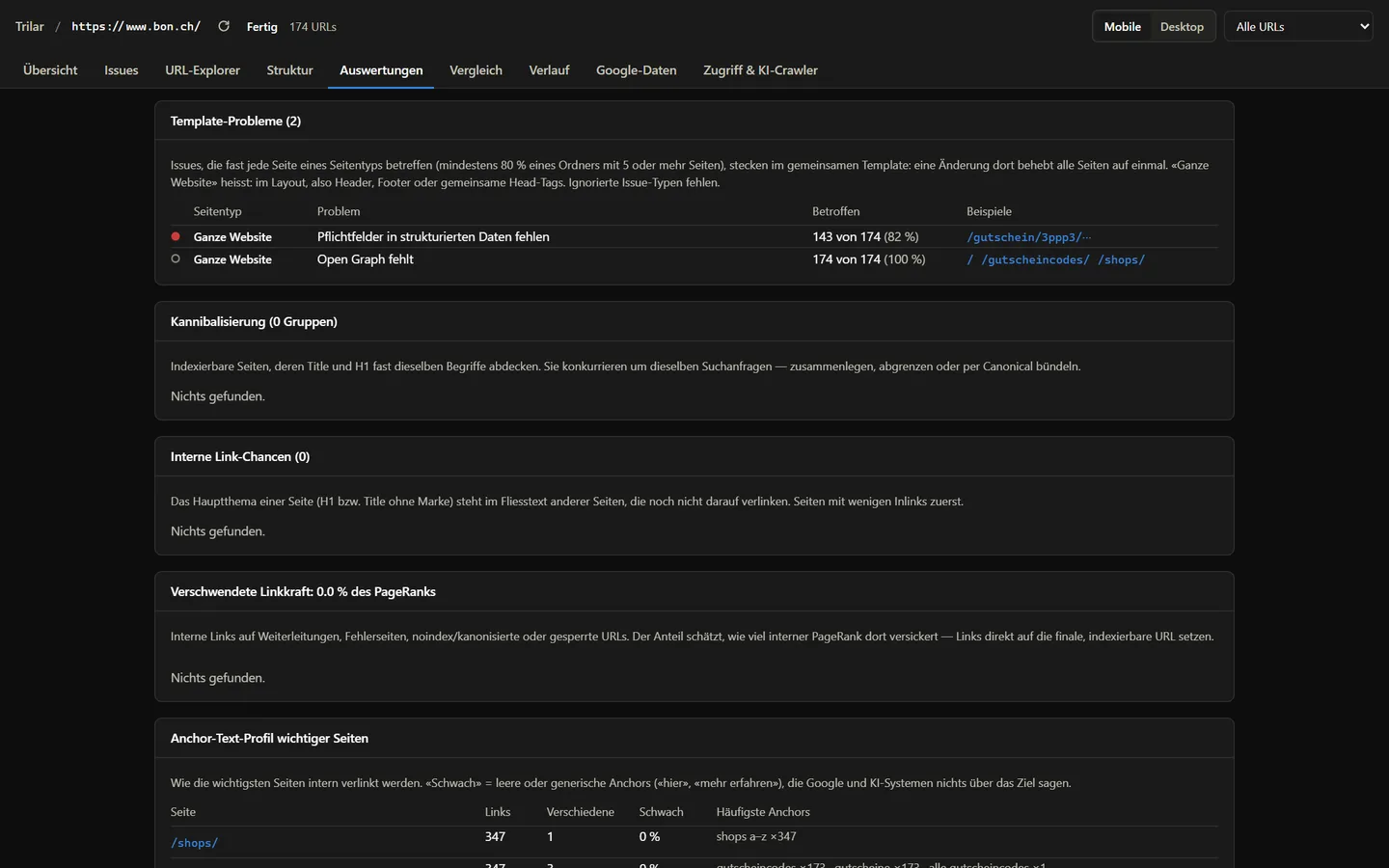
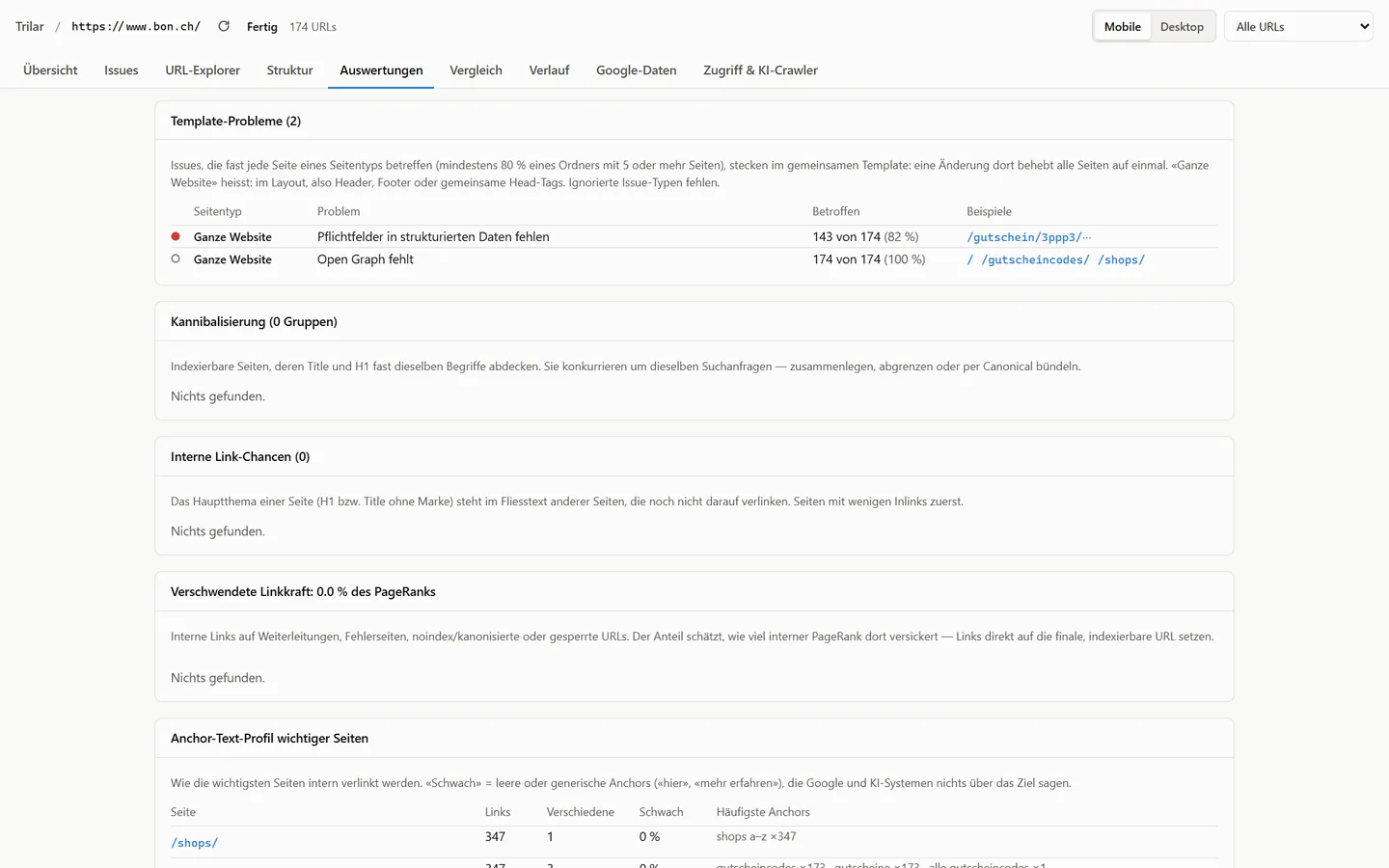
When almost every page of a type lacks the same thing, the fix is in the shared template. Trilar groups issues by page type and shows which ones a single template change resolves.

  • Issues by page type and folder
  • Site-wide issues in header, footer and head
  • Own text versus template text per page
Template problems in Trilar grouped by page type with affected share Template problems in Trilar grouped by page type with affected share
Sample data

Search Console and Analytics per URL

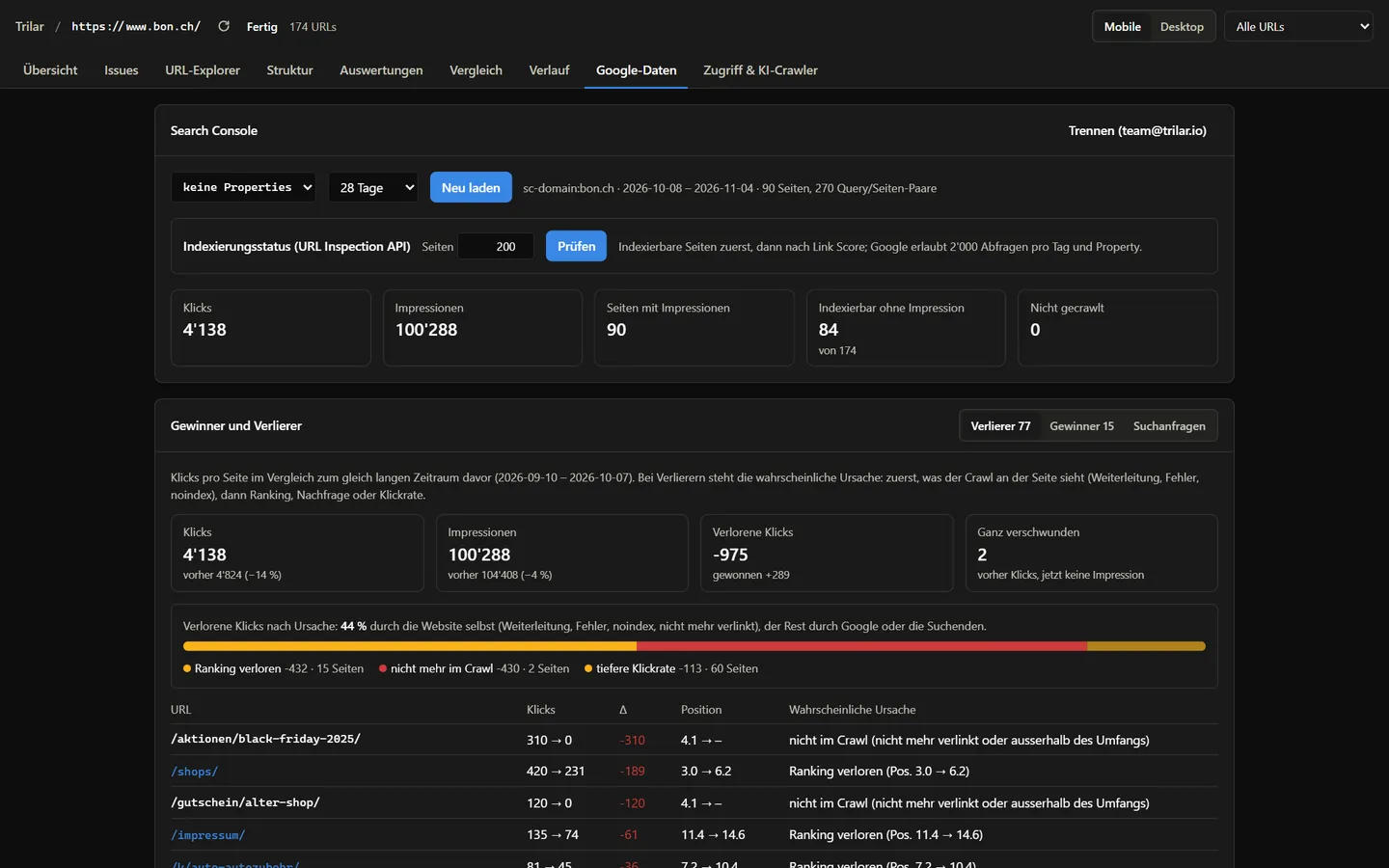
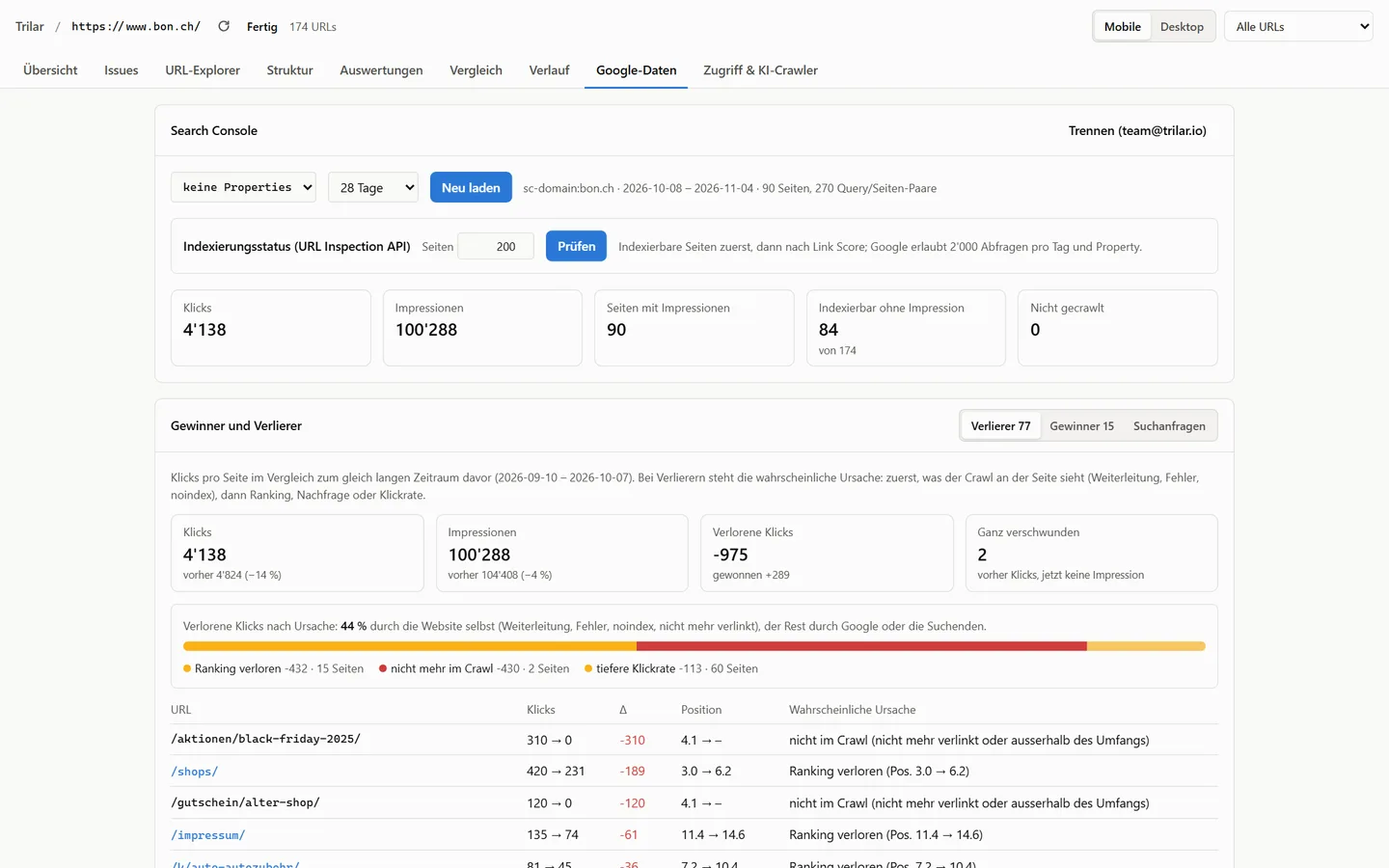
Clicks, impressions, positions and queries against the previous period, sessions and conversions from GA4, Core Web Vitals from CrUX and PageSpeed results, next to the crawl data of each URL.

  • Lost clicks by cause: ranking, redirect, page gone
  • Queries that lost positions
  • Title opportunities and content gaps
Search Console trend with lost clicks by cause in Trilar Search Console trend with lost clicks by cause in Trilar
Sample data

An action plan instead of a warning list

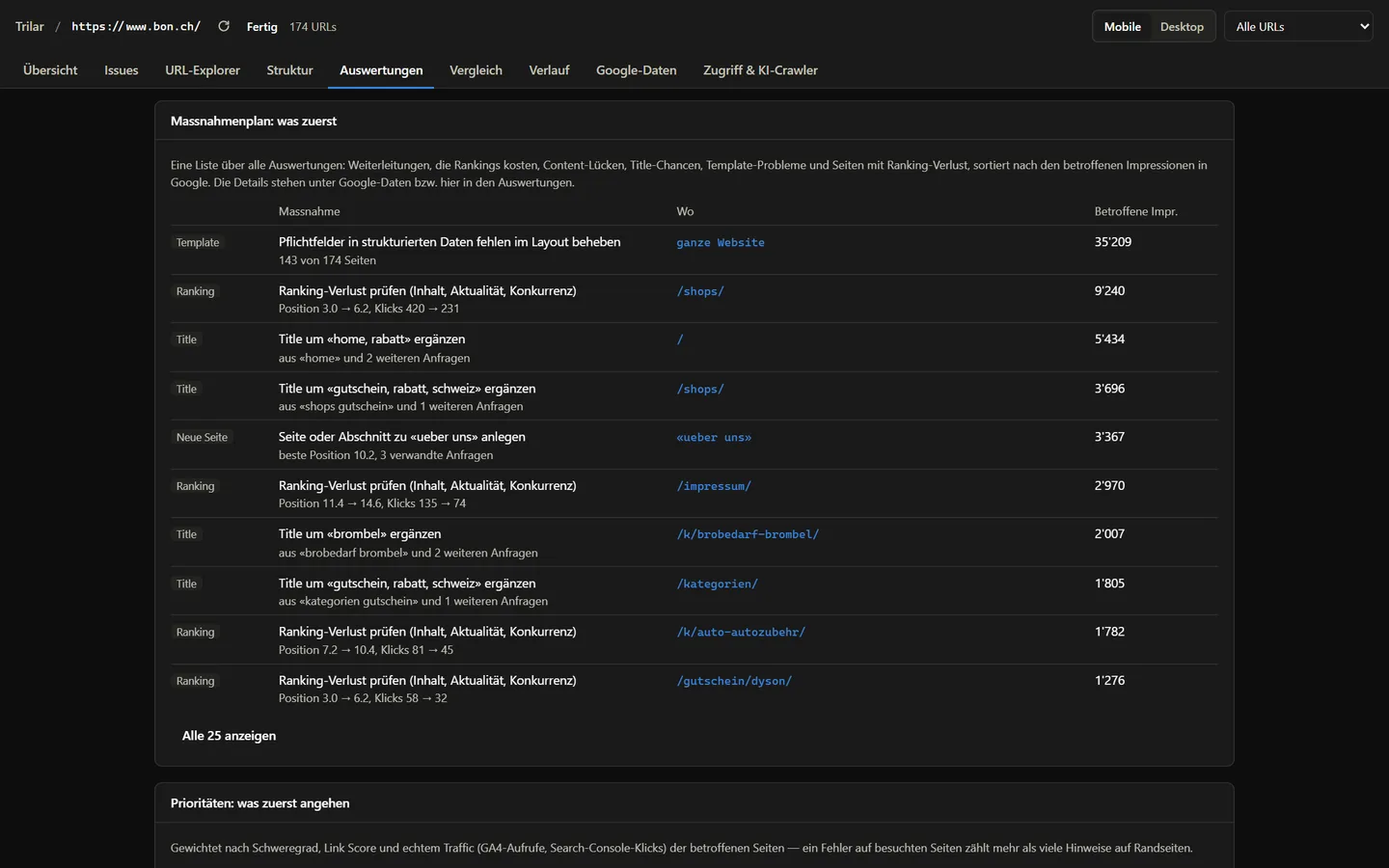
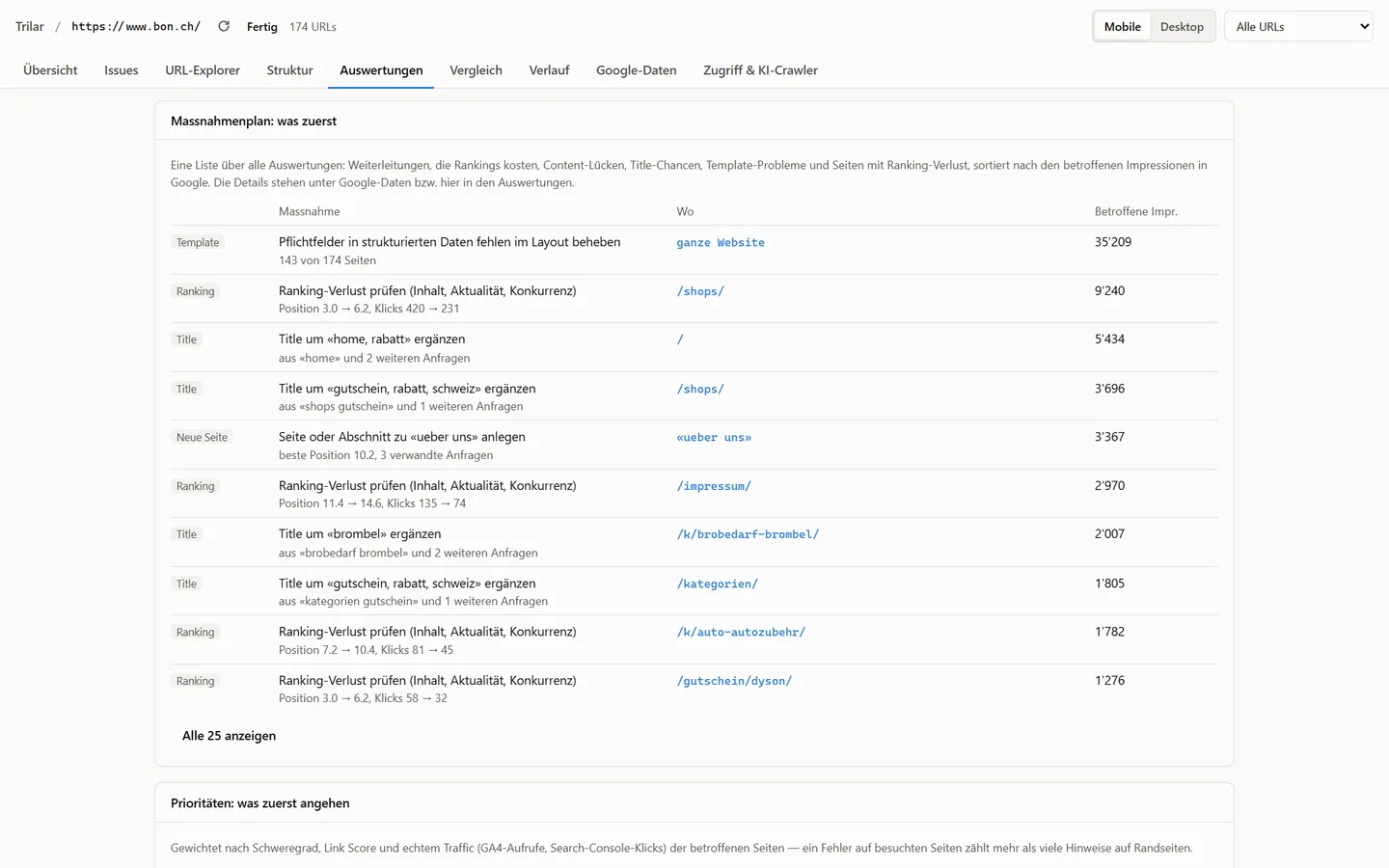
Redirects that lose rankings, missing content, titles that miss the query and template problems in one list, ranked by impressions and affected pages, ready to export as tasks.

  • Markdown and CSV task export
  • Redirect targets that do not fit, with a better one
  • Content briefs for missing topics
Action plan in Trilar ranked by impressions Action plan in Trilar ranked by impressions
Sample data

Monitoring and crawl comparison

Scheduled crawls compare themselves with the last run: new errors, fixed issues, changed titles and lost pages. You get an e-mail with the PDF report and a webhook, optionally only when something got worse.

  • Daily, weekly or monthly
  • Webhooks for Slack, Teams, Make, Zapier
  • History per site

Internal links and site structure

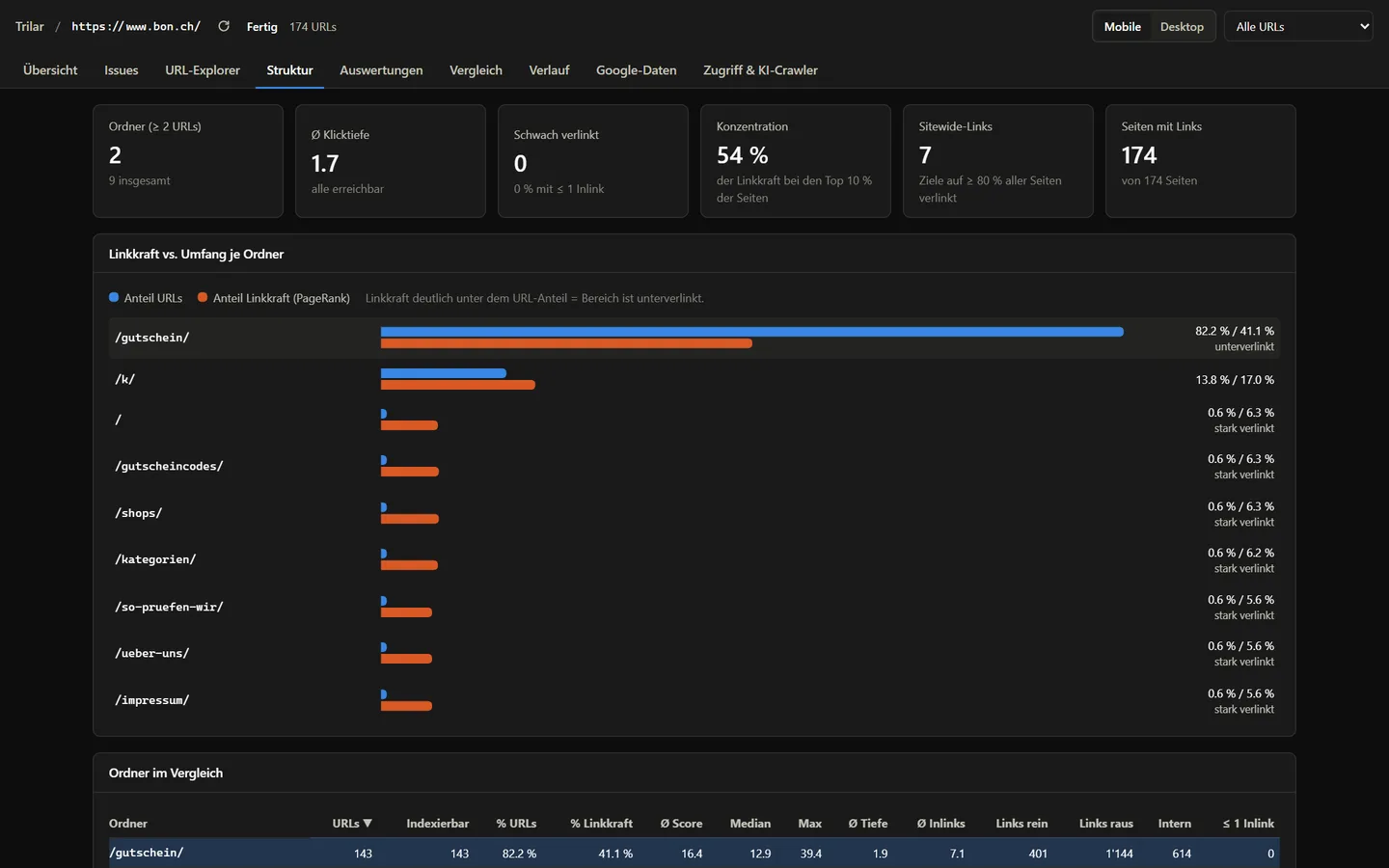
Link score per URL, crawl depth, orphan pages, link opportunities from pages that already mention a query, cannibalisation and wasted link equity.

  • Internal link opportunities
  • Cannibalisation groups
  • Anchor text profile
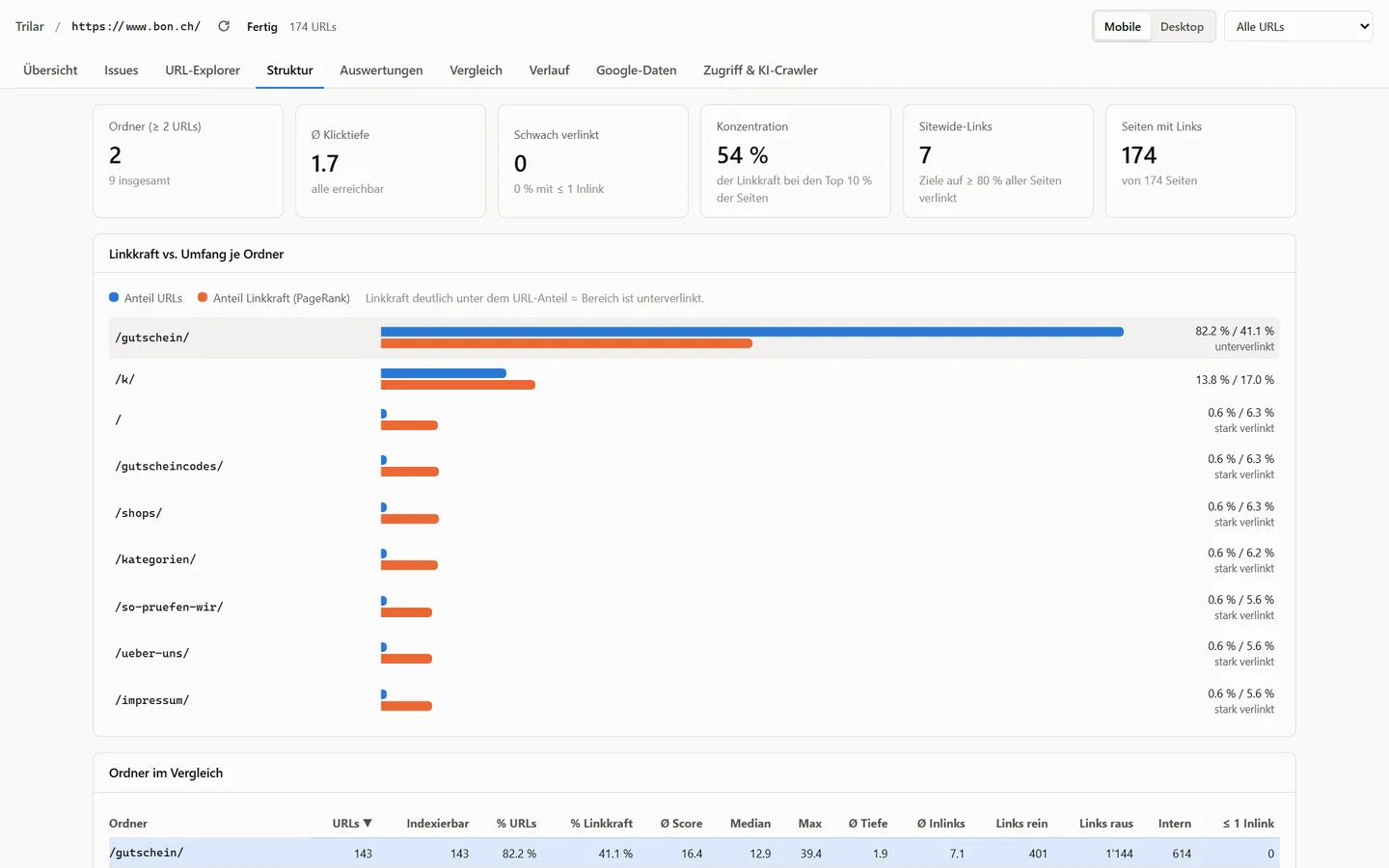
Site structure in Trilar with link equity versus share of URLs per folder Site structure in Trilar with link equity versus share of URLs per folder
Sample data

FAQ

Can Trilar crawl JavaScript websites?

Yes. Trilar renders pages in headless Chromium and compares the rendered result with the HTML the server delivers, so you see which content, links and tags only exist after JavaScript runs.

Can Trilar crawl pages behind a login or a staging site?

Yes. Trilar can log in through a login form, use cookies you provide or send custom headers, for example a service token for a protected staging environment. Logout links are skipped automatically. Use a test account for this.

How large can a crawl be?

Plans cover crawls of up to one million URLs. Crawl speed is set per site and adapts to the server: Trilar slows down on errors or slow responses so your website is never put under strain.

Can Trilar explain why traffic dropped?

Trilar compares Search Console data with the previous period and assigns lost clicks to a cause: lost rankings, a redirect, a page that disappeared or no longer indexable. It also flags redirects that point to a target that does not match the old page.

Can crawls run on a schedule?

Yes, daily, weekly or monthly. Each run is compared with the previous one; you get an e-mail with the report and a webhook to Slack, Teams or tools like Make and Zapier, optionally only when something got worse.

FAQ →

Try Trilar on your own website

Early access includes onboarding: we set up your account and go through the first crawl with you.

access@trilar.io · +41 76 77 99 820